How I Built It
The craft decisions, the engineering decisions, and what I learned about AI by building a chat widget that knows my resume almost better than I do.
James LaCroix
Director of Product Design at Braze
At the end of 2022, I found myself in a position I hadn't been in for nearly seven years: I needed a new portfolio site. When I joined the team at Twitter in 2016, my portfolio was essentially the LaCroix Design Co. (opens in new tab) site, the studio I operated for 11 years designing consumer web and mobile experiences for clients. As I focused on my work at Twitter, I neglected the need to develop my own personal portfolio. There was always another product feature to ship, another vision project to pitch, another designer to hire. The portfolio could wait.
Then came October 2022. Facing the reality of unemployment after the ownership change at Twitter, I needed to launch something fast. For the sake of speed, I built a site on Framer (opens in new tab). It did the job. It got me into interview loops for roles I was interested in and, eventually, into my current role as Director of Product Design at Braze (opens in new tab).
But I always intended to build my personal site myself. Partly to refresh engineering skills that had started to atrophy since I'd switched into management, and partly because there was a whole generation of tools, services, and technologies I wanted an excuse to play with. When you spend your days reviewing other people's work and thinking about systems at a high level, you miss the feeling of building something with your hands. It's a bit like being a chef who only writes menus and never actually cooks. You start to forget what the heat feels like. While I'm grateful to be able to work with wonderful designers and help shape their careers, there's a familiar joy in being hands-on with design and code.
So last fall, I carved out some time, opened Cursor (opens in new tab) (mainly for those autocompletes), fired up Ghostty (opens in new tab) (which has quickly become my favorite terminal), and started building. Claude Code (opens in new tab) became an indispensable part of the workflow as the project grew, and the combination of a good editor, a fast terminal, and an AI coding assistant that understands the codebase is the kind of setup I didn't know I was missing until I had it. What started as a portfolio site has since become my evening and weekend "hustle, expanding into a writing platform, an AI-powered chat experience, and a genuine sandbox for learning. What follows is a look at what this site is built on, why I made the choices I did, and what I've picked up along the way.

The Type Tells You What the Site Cares About
If you're going to build a design portfolio from scratch, you'd better have an opinion about the typography. I may have spent more time choosing fonts than I did on most of the engineering decisions, and I don't regret it.
The site uses two typefaces from Klim Type Foundry (opens in new tab), a New Zealand-based independent foundry run by Kris Sowersby (opens in new tab). Sowersby is one of the most respected type designers working today, a member of the Alliance Graphique Internationale, and someone who writes the kind of detailed design essays about his typefaces that make you feel like you're getting a typography seminar along with your font files.
Signifier (opens in new tab) is the serif. Klim describes it as a "Brutalist response to 17th-century typefaces." Sowersby started from the English Roman of the Fell Types (metal fonts at Oxford University Press, originally cut by the Belgian-Dutch punchcutter Nicolaes Briot in the 1670s), but rather than producing a faithful historical revival, he interrogated what makes a font truly digital. The result has rectangular baseline serifs, triangular head serifs, and sharp terminals bound by taut Bézier curves. At body text sizes, those digital construction details melt into warm, readable prose. At display sizes, the precision becomes visible. It's a typeface that rewards attention, which felt like the right signal for a site about design craft.
Söhne (opens in new tab) is the sans-serif, and it handles the UI, navigation, and supporting text. Klim calls it "the memory of Akzidenz-Grotesk framed through the reality of Helvetica." Sowersby's inspiration came from visiting the New York City subway system in 2010, where Unimark's wayfinding used screen-printed renditions of Standard Medium (Akzidenz-Grotesk Halbfett). He designed Söhne from the semibold weight outwards, capturing the graphic impression of Akzidenz-Grotesk rather than producing a digital facsimile. The weight names are in German (Buch, Halbfett, Dreiviertelfett) because Sowersby is that kind of specific.
I chose these fonts for a simple reason: they pair a serif with intellectual depth and a sans-serif with modernist heritage, and they come from a foundry that treats type design as serious craft. Both are self-hosted via next/font/local with extensive weight variants and display: swap for performance. No layout shift, no flash of unstyled text.
The Foundation: Next.js 16, React 19, and Friends
The site runs on Next.js 16 (opens in new tab) with React 19 (opens in new tab), deployed on Vercel (opens in new tab). I started the project on Next.js 15 and upgraded as new releases landed, which was a useful exercise in understanding how the framework evolves.
Next.js 16 made Turbopack (opens in new tab) (the Rust-based bundler) the default, and the difference in development speed is noticeable. Fast Refresh is effectively instant. But the bigger deal for this project was the React Compiler (opens in new tab) going stable and getting built-in integration. The Compiler automatically memoizes components, which means I don't have to manually wrap things in useMemo and useCallback to avoid unnecessary re-renders. For a site with as much animation as this one, that matters. A single line in next.config.ts (reactCompiler: true) handles it.
React 19 itself brought Server Components as a first-class pattern (most pages on this site are server-rendered by default, with client components only where interactivity requires them), the use() API for reading Promises in render, and new resource preloading APIs. The practical impact is less JavaScript shipped to the browser, faster initial loads, and a cleaner mental model for what runs where.
Styling is Tailwind CSS 4 (opens in new tab), which was a ground-up rewrite that replaced the JavaScript config file with CSS-first configuration via a @theme directive. The entire theme (colors, spacing, custom properties) lives in globals.css, and the color palette uses OKLCH (opens in new tab) for wider-gamut P3 colors. Incremental builds are measured in microseconds, which sounds like marketing until you experience it. The site also uses Radix UI (opens in new tab) primitives for accessible components (Dialog, Tooltip, Select) styled with Tailwind, following the shadcn/ui (opens in new tab) pattern of owning the component code directly rather than depending on an npm package.
Linting and formatting use Biome (opens in new tab) via Ultracite (opens in new tab), which replaced the ESLint + Prettier combination. Biome is written in Rust and runs roughly 35 times faster. For a project where I'm making rapid changes and want immediate feedback, that speed difference compounds.

Performance Is a Craft Decision
It's easy to treat performance as an afterthought, something you optimize later once the design is locked. But on a site where the whole point is demonstrating craft, a slow page load undermines everything else. The typography, the animation, the attention to detail: none of it matters if the visitor is staring at a blank screen for three seconds.
The performance strategy leans heavily on Next.js's caching and rendering model. Blog posts are pre-generated at build time via generateStaticParams, so each page is served as static HTML from Vercel's edge network. Data-fetching functions like getAllPosts are wrapped in React's cache() to deduplicate reads within a single server request, which prevents the same file from being parsed twice when multiple components need the same data. Is cache() necessary for a site with this little content? Probably not yet. But it's the kind of pattern that's easy to add now and painful to retrofit later, and I wanted to understand how it worked.
Heavy client-side libraries are loaded only when needed. tsParticles (opens in new tab) and HLS.js (opens in new tab) are dynamically imported, so they don't add to the initial bundle. Sections of the page that depend on async data (like the writing index on the homepage) are wrapped in Suspense with skeleton fallbacks, so the page renders progressively rather than waiting for everything to resolve before showing anything.
Images are served in AVIF and WebP formats with responsive sizing via Next.js's built-in image optimization. Fonts are preloaded and use display: swap to prevent render-blocking. Longer portfolio case study videos are hosted on Mux (opens in new tab) with HLS adaptive bitrate streaming, which means the player automatically adjusts quality based on the viewer's connection speed. The custom MuxVideoPlayer component uses an IntersectionObserver to auto-pause videos when they scroll out of view, which conserves both bandwidth and Mux streaming costs. It's the kind of detail that nobody notices until it's missing.
The result is a site that scores well on Core Web Vitals without sacrificing the animation and visual richness that make a design portfolio worth visiting in the first place. Vercel Analytics (opens in new tab) tracks Real User Monitoring metrics in production, and PostHog (opens in new tab) handles the rest: product analytics, error tracking with stack traces, and session replay so I can watch exactly how someone navigates a case study or interacts with the chat widget. When something breaks or performs poorly, I don't have to guess. I can watch the recording. For a side project, that's probably overkill. But overkill is sort of the point when the site is supposed to demonstrate that you care about this stuff.
The Writing Platform Is the Product
Blog posts (including this one) are authored in MDX (opens in new tab), a superset of Markdown that lets you embed React components directly in prose. The content lives in src/content/writing/ as .mdx files with YAML frontmatter, and each post goes through two MDX pipelines. next-mdx-remote (opens in new tab) handles blog posts (compiled at runtime) and @next/mdx (opens in new tab) handles portfolio case studies (compiled at build time). Both share the same rehype-pretty-code (opens in new tab) configuration for syntax highlighting powered by Shiki (opens in new tab), which produces the same accuracy as VS Code with zero runtime JavaScript.
What makes the writing platform interesting is the tooling layer built on top. A suite of local-only scripts use Claude Haiku (opens in new tab) (Anthropic's fastest model) to generate related post mappings, SEO meta descriptions, tags, TL;DR summaries, share text for different social platforms, and OG image copy. Each script reads the markdown corpus, sends it to the API with a system prompt that includes my writing style guide, and writes the result back into frontmatter. None of this runs in the build pipeline or in production. It's a set of authoring tools that I run locally when I publish a new post, and the output is fully static. Two MDX pipelines and a half-dozen AI scripts for a blog with two posts is, admittedly, a bit much. But the system is ready for fifty posts, and building it taught me more about content architecture than any spec I've read.
The blog supports hero videos via Vercel Blob (opens in new tab) (their S3-backed object storage), with a custom FFmpeg-based pipeline for poster frame extraction, optimization, and upload. A watch mode script monitors an incoming directory, processes dropped video files, uploads them to Blob, and copies the frontmatter snippet to the clipboard. Newsletter subscriptions are handled by Resend (opens in new tab) with email templates built using React Email (opens in new tab) components.
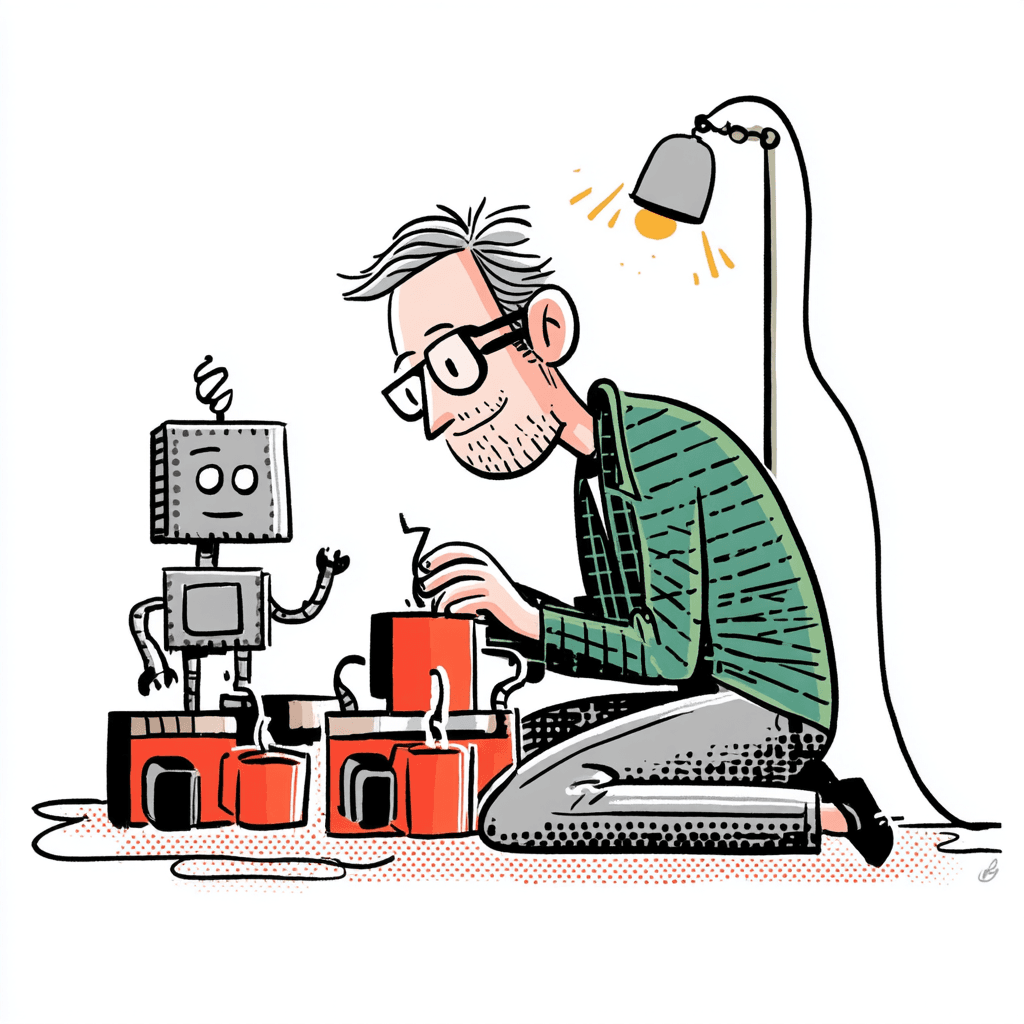
The AI Chat Widget Is Where It Gets Interesting
The floating chat widget in the bottom-right corner is the feature that taught me the most about how AI products actually work. It's an AI assistant trained on my resume, case studies, blog posts, and extended career profile. You can ask it about my work, experience, or design philosophy, and it responds in a voice calibrated to my writing style (with appropriately self-deprecating disclaimers about being in beta).
Here's how it works under the hood.
The frontend is a streaming SSE (Server-Sent Events) client built with Motion for the panel animations, spring physics for the open/close transitions, and session persistence via sessionStorage. When a user sends a message, the API route (/api/chat) runs a two-pass classification. Pass 1 sends the question to Claude Haiku with a lightweight classification prompt to determine the topic category (portfolio, career, leadership, design, writing, personal, general) and whether it's a follow-up. Pass 2 uses Voyage AI (opens in new tab) embeddings and pgvector (opens in new tab) (vector similarity search in Postgres) to retrieve relevant content chunks from a Neon (opens in new tab) serverless Postgres database, then appends those chunks to a category-specific system prompt. The response streams back token by token, with post-processing that injects markdown links for any case study or blog post the model mentions but didn't link.
Rate limiting is in-memory (per-IP hourly and daily limits, plus a global daily cap) with intentionally funny error messages. The widget also parses follow-up suggestions from the model's response and displays them as tappable chips below each answer, so the conversation feels guided rather than open-ended. Is a two-pass classification with RAG (opens in new tab) retrieval and streaming SSE overengineered for a portfolio chat widget? Obviously. But the chance to learn what a production AI feature actually looks like under the hood is the reason I invested the effort.
Building this taught me things about AI product design that I couldn't have learned by reading about it. How RAG retrieval quality depends heavily on chunk size and embedding model choice. How streaming responses feel dramatically faster than waiting for a complete response, even when the total time is similar. How the system prompt is the product, and small wording changes produce noticeably different outputs. How rate limiting and error handling are design problems, not just engineering ones. As someone who leads designers working on AI products at Braze, getting my hands dirty with the actual mechanics will hopefully make me a better collaborator with the engineers and PMs I work with every day.
Why Anthropic, Specifically
A reasonable question: there are multiple large language model providers. Why build on Anthropic's Claude?
Part of it is practical. Claude Haiku is fast, inexpensive, and good at following detailed system prompts, which matters when you're trying to keep an AI assistant in character across hundreds of conversations. The Anthropic SDK is clean. The streaming API works as documented.
But the bigger reason is that Anthropic is the AI company whose values most closely align with my own. In February 2026, the Pentagon demanded that Anthropic permit unrestricted military use of Claude, including applications that Anthropic considered incompatible with their safety commitments. Anthropic held firm on two positions, no mass domestic surveillance and no fully autonomous weapons. The Trump administration ordered all federal agencies to cease using Anthropic's technology and designated the company a "supply chain risk to national security" (opens in new tab), a label normally reserved for foreign adversaries like Huawei and Kaspersky. It was the first time that designation had been applied to an American company. As of early March, the Financial Times reported (opens in new tab) the two sides had quietly reopened negotiations, but the fact that Anthropic was willing to lose every federal contract rather than remove those two guardrails says something about the company that I don't think the market fully appreciates yet.
I'm not going to pretend that choosing an API provider for a portfolio chat widget is some grand political statement. But when I have a choice between companies, I'd rather give my money to the one willing to take a public stand on safety even when it costs them something. The products you choose to build on say something about what you value, even when nobody's watching.
The IDE Is a Classroom
One of the unexpected benefits of this project has been how much I've learned by building it. When you lead a design team, your days are filled with reviews, strategy sessions, and Slack threads. The engineering muscles atrophy if you don't exercise them, and the gap between "I understand this conceptually" and "I can build this" widens faster than you'd expect.
Building the RAG pipeline taught me how embeddings work at a mechanical level, not just as a concept in an AI product brief. Configuring Tailwind CSS 4's OKLCH palette taught me about color spaces in a way that reading a spec never could. Wiring up Vercel Blob taught me about CDN caching behavior. Setting up PostHog (opens in new tab) for session replay and error tracking taught me what observability actually looks like in production.
Claude Code (opens in new tab) deserves a particular mention here. Having an AI coding assistant that operates directly in the terminal (in my case, Ghostty (opens in new tab)) and understands the full context of the project was a meaningful accelerator. It's particularly good at the kind of work that slows down a rusty engineer, like debugging TypeScript errors, writing test fixtures, generating boilerplate for new API routes, and explaining why a particular Next.js caching behavior works the way it does. It didn't replace the learning. It compressed it. That distinction matters if you're someone who wants to understand the code, not just ship it.
For designers who want to understand engineering better (and I've spent years telling my designers that they should), building something real is the fastest path. You don't need to become an engineer. You need to build enough that you can ask better questions and smell when something's off.
The Site Is Never Done
This is a work in progress, and I expect it to stay that way. I have a running list of ideas I want to explore: view transitions (now available in React 19.2), an improved reading experience with inline illustrations, internationalization, interactive portfolio case studies with embedded prototypes, and better performance monitoring. Some of these will ship. Some will get replaced by better ideas before I start them. That's the point of having a platform you control.
If you've made it this far and want to poke around, the portfolio showcases work from Twitter and (eventually) Braze, the writing section is where I'll be publishing more regularly, and the chat widget in the corner is happy to answer questions about any of it. Or if you just want to commiserate about how every product update now seems to include the letters "AI," I'm at james@lacroix.io.
The Stack, All in One Place
- Framework and Runtime: Next.js 16 (opens in new tab) with React 19 (opens in new tab), TypeScript, Turbopack (opens in new tab), React Compiler (opens in new tab)
- Styling: Tailwind CSS 4 (opens in new tab) (OKLCH palette), Radix UI (opens in new tab) primitives, shadcn/ui (opens in new tab) pattern
- Typography: Signifier (opens in new tab) and Söhne (opens in new tab) by Klim Type Foundry (opens in new tab)
- Animation: Motion (opens in new tab) (with Motion+), Flubber (opens in new tab), tsParticles (opens in new tab)
- Video: Mux (opens in new tab) (HLS adaptive streaming), Vercel Blob (opens in new tab) (blog hero videos), HLS.js (opens in new tab)
- Content: MDX (opens in new tab) via next-mdx-remote (opens in new tab), rehype-pretty-code (opens in new tab) / Shiki (opens in new tab)
- AI: Claude Haiku (opens in new tab) (Anthropic), Voyage AI (opens in new tab) embeddings, pgvector (opens in new tab) on Neon Postgres (opens in new tab)
- Infrastructure: Vercel (opens in new tab) (hosting, edge, analytics), Vercel Blob (opens in new tab) (asset storage), Neon Postgres (opens in new tab) (database)
- Email: Resend (opens in new tab) with React Email (opens in new tab)
- Monitoring: PostHog (opens in new tab) (analytics, session replay, error tracking), Vercel Analytics (opens in new tab) (Web Vitals)
- Code Quality: Biome (opens in new tab) via Ultracite (opens in new tab)
- Editor and Terminal: Cursor (opens in new tab), Ghostty (opens in new tab), Claude Code (opens in new tab)
James is a Director of Product Design at Braze who previously led design teams at Twitter. He's been designing digital products since founding his own studio in 2005, and he's still convinced that the best interfaces feel like someone actually thought about you while building them. Chicago-based, Nottingham Forest supporter, recovering rock musician.